SaaS Competitor Comparison Video: A Fair Test, a Better Script and the Right Page
A practical comparison-video playbook: equivalent plans, evidence-led scripts, honest limitations and a video placement that helps buyers evaluate the same task.
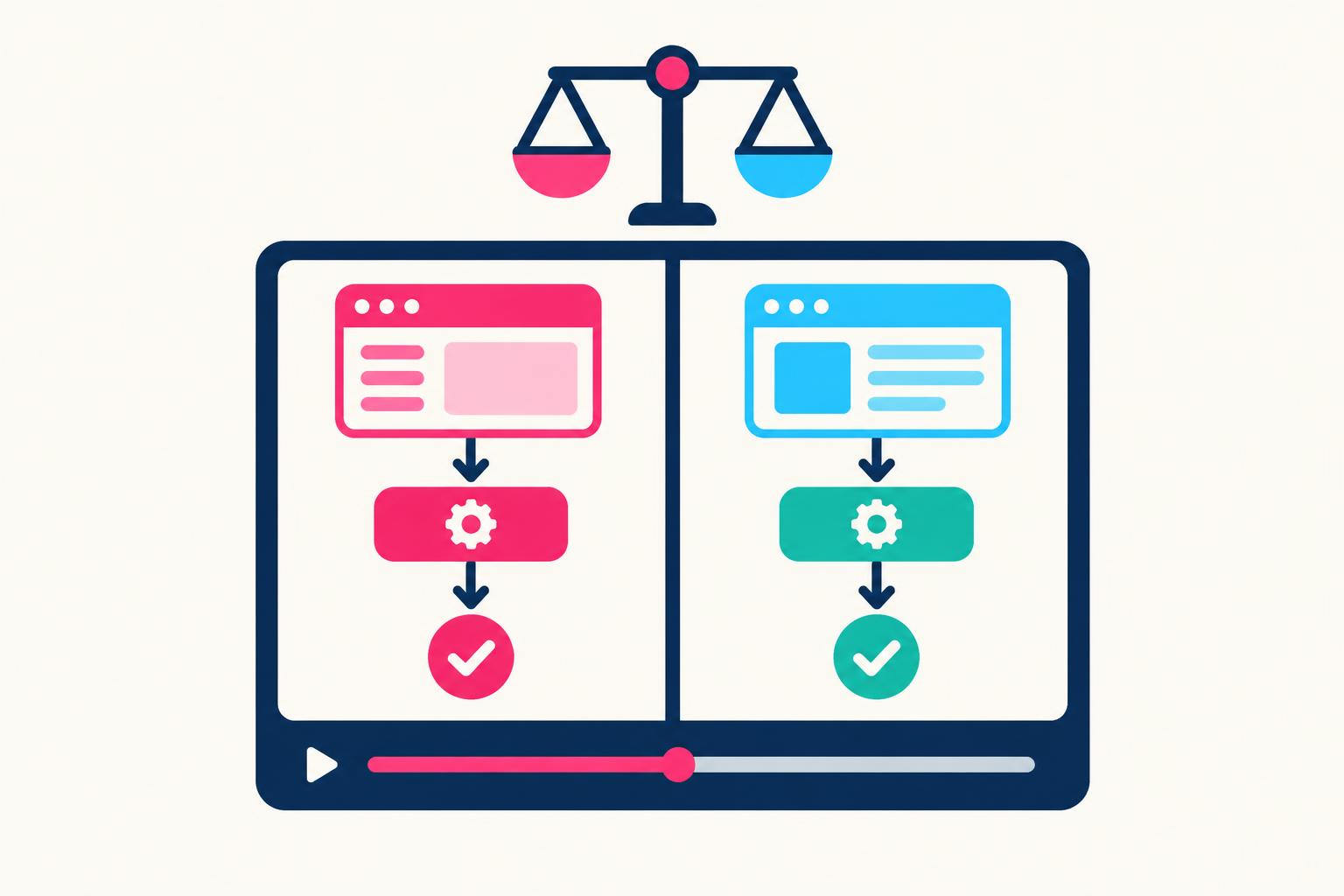
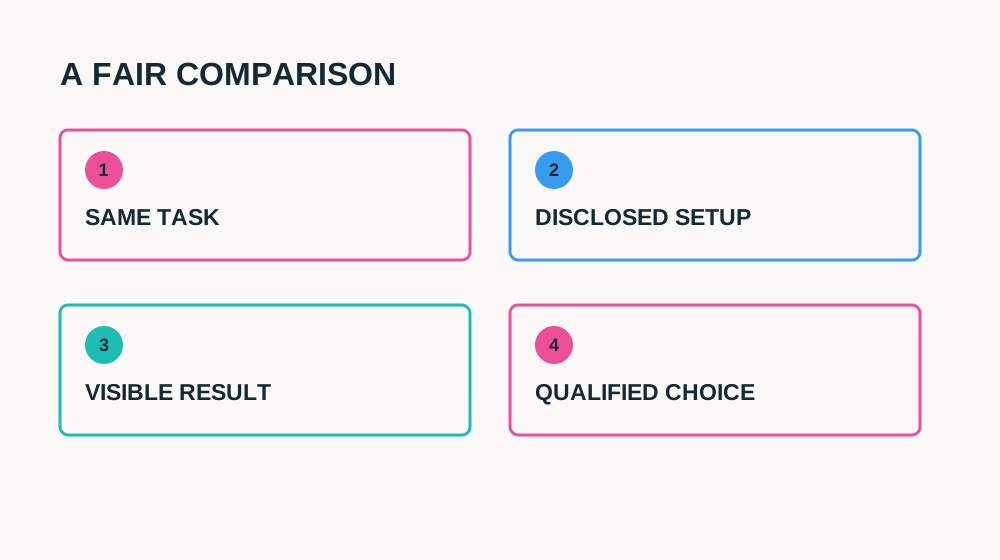
A comparison page can tell a buyer that two tools handle the same job differently. A SaaS competitor comparison video can let that buyer inspect the difference. The useful version is not a presenter reading your feature matrix. It is the same task, performed under disclosed conditions, with enough of the result visible that a viewer can judge the trade-off.
Make one when evaluation calls repeatedly turn into “how is this different from the tool we already use?” Do not make one just because a competitor name has search demand. If you cannot access the relevant plan, reproduce the workflow or substantiate the claim, publish a narrower explanation of your own product instead. The original storyboard below uses fictional products and is not a benchmark of any named vendor.
When a Comparison Video Helps—and When It Does Not
| Buyer question | Useful comparison | Poor substitute |
|---|---|---|
| Can I finish the same task? | Identical input → each workflow → observable result | Two unrelated dashboard montages |
| What would switching change? | Setup, migration and repeat-use trade-offs | “Better in every way” voice-over |
| Which plan includes this? | Date-stamped equivalent tiers and exclusions | Your paid tier versus their free tier without context |
| Will this work for my team? | Roles, handoffs and review steps | A solo speed test presented as team productivity |
A product with a different intended purpose is rarely a fair opponent. A lightweight personal note app and an enterprise knowledge-governance platform may share an editor but solve different problems. Explain the job and intended user before deciding which capabilities to test. Sometimes the honest result is that the other tool suits the buyer better. That conclusion makes the remaining recommendation more useful.
If buyers first need to understand your own workflow, begin with the SaaS demo video guide.
Build the Test Before Writing the Verdict
Write a test card before recording: task, input dataset, account tier, product version or recording date, device, network conditions where material, configuration and any integrations. Use synthetic data that both tools can process. Reset each workspace. Give each product the same reasonable preparation rather than making your tool look fast because it was preconfigured off camera.
Equal does not always mean identical settings. If a competitor requires a different but ordinary setup, show it and explain why. Separate setup from recurring work so viewers understand the cost of each. Do not splice out waiting time and call the edited duration a speed result. If you measure elapsed time, define start and finish, repeat the task and retain complete recordings. A one-off demonstration is evidence of that run, not a universal performance claim.
- Check current documentation and plan eligibility for every feature you name.
- Record the competing workflow with a competent user or seek a review from someone familiar with it.
- Label integrations, beta access, credits and prerequisites that affect the result.
- Keep source captures and a claim-to-evidence sheet with review dates.
- Offer a correction route and schedule an update when either product changes.
A Scene-by-Scene 75-Second Comparison Script
| Time | Narration | Picture and evidence |
|---|---|---|
| 0–6s | “Choosing an approval tool? Here is the same client sign-off task in two workflows.” | Both result screens; label the task, not a winner |
| 6–13s | “These are the plans and settings used for this recording.” | Tier, recording date, integrations and setup note |
| 13–29s | “In A, create the request, add a reviewer and send it.” | Unambiguous screen path; readable recipient and request state |
| 29–45s | “In B, use this review step to send the same request.” | Equivalent input; show necessary extra step without ridicule |
| 45–58s | “Both send the request. Here is where reminder setup differs.” | Side-by-side results; highlight only verified difference |
| 58–68s | “If you need this handoff, consider A. If your team needs this other capability, evaluate B too.” | Qualified recommendation and relevant limitations |
| 68–75s | “Read the full comparison and test this workflow in your account.” | One relevant destination; no unsupported switching promise |
Record the product footage first. Then write narration that describes what the footage actually proves. Resist exaggerated adjectives during the voice-over. “This setting is on the request screen” is testable; “the most intuitive approval platform” is not established by one recording. A presenter can translate the workflow, but should not claim to be an independent customer if they are paid by the brand.
Comparison-video evidence brief
COMPARISON VIDEO BRIEF
Buyer and task: [specific role + recurring job]
Products and tiers: [verified equivalents]
Recorded on: [date/version]
Input and setup: [same synthetic task; material differences]
Claim: [one observable difference]
Proof: [complete recordings and source docs]
Timing methodology: [if relevant; include setup/waiting]
Competitor advantage: [where the other option may fit]
Limitations: [plan, integration, region, beta]
Review: [product expert + target-market legal review]
Destination: [comparison page + matching trial workflow]
Fair and Legal Are Related—but Not Identical
Naming a competitor is not automatically prohibited. In the EU, comparative advertising is subject to conditions including not being misleading, comparing products that meet the same needs or intended purpose, and objectively comparing material, relevant, verifiable and representative features. The rules also address confusion, discrediting and unfair advantage. A truthful screenshot alone does not settle every legal question.
Use the primary text as a starting point, not a promise of compliance: Directive 2006/114/EC.
National implementation and the target audience matter. Have a qualified adviser review important named comparisons for the countries where they will run, especially consumer-facing pricing or superiority claims. Check rights to screen captures, logos, music and other material separately. A “not affiliated” note can clarify identity; it does not cure a misleading comparison or give blanket permission to use protected material.
Avoid a tiny disclaimer contradicting the spoken promise. Put material tier, setup and timing qualifications next to the claim. Do not display a crossed-out competitor logo, imply endorsement, or frame a normal alternative workflow as incompetence. The strongest comparison helps a buyer choose; it does not require making the other team look foolish.
Put the Video on the Comparison Page Buyers Already Use
Place the video after a short written verdict and task definition, before the detailed matrix. Buyers should know what is being compared before they press play. Give it a descriptive heading such as “Watch the same approval request in both tools,” rather than “Our video.” Keep the page’s pricing qualifications, sources, text explanation and actual trial link outside the player so visitors can still evaluate without loading third-party content.
- Use an accessible player with captions, a transcript and a readable poster.
- Reserve the player aspect ratio so loading does not move nearby content.
- Avoid autoplay; retain a deliberate load action when external-content consent is required.
- Put recording date and test conditions below the player, and reflect them in the transcript.
- Link to the exact demonstrated task or comparison section, not an unrelated homepage.
A video is supporting evidence, not a substitute for the comparison page. Keep the page title and written answer aligned with the buyer’s question. If you publish a YouTube version, link back to the detailed comparison and use a title describing the task and products honestly. Do not promise that adding an embed alone will improve Google rankings; discovery and search presentation depend on more than the presence of a player.
For crawlable video context and search-led distribution, see YouTube SEO for SaaS.
Measure Evaluation Quality, Not Just Plays
Track page exposure, player starts, meaningful viewing where available, comparison CTA clicks and the trial workflow being completed. Keep those events separate. A video viewer may already be more interested than a non-viewer; a higher conversion rate in that group does not prove the player caused the lift. Use a controlled placement test where traffic permits and read support questions alongside the numbers.
Comparison-video publication checks
6 items still to confirm.
SaaS Competitor Comparison Video FAQ
How long should a comparison video be?
Start with 60–90 seconds for one buyer task. A complex migration or integration test may need a longer chaptered walkthrough. The goal is complete, inspectable evidence—not hitting a universal ideal duration.
Can I name another SaaS product?
Potentially, but accurate naming does not remove comparative-advertising, trademark, copyright or platform-policy questions. Review the actual claims and materials for your target markets before publishing.
Does the video have to declare a winner?
No. A task-specific recommendation with clear limitations is more useful than an unsupported overall ranking. Explain which buyer circumstances favour each workflow.
Need a creator to explain the test on camera? See my SaaS video work and services.
Share
Article footer · AI discovery
Want to explore this topic further?
Ask questions about this article or use it as a starting point for deeper research.
Want content that makes your SaaS product click?
Email promotions@fuelyourdigital.com or explore my content packages.