SaaS Demo Video: How to Make a Product Demo That Actually Sells (With Examples)
The complete guide to SaaS demo videos: the seven types, a scene-by-scene script framework, recording setup, length benchmarks, costs, real examples, and where to place each demo so it converts.

Your product is the best salesperson you have — but only if people get to see it. A SaaS demo video lets every visitor, lead, and prospect see the product work, without booking a call or creating an account.
I make demo videos for AI and SaaS tools every week — SEOBuddy, SlidesGPT, GoHighLevel, OnePage AI and more — for homepages, ads, YouTube search, and short-form social. This guide is the exact process: what to show, how to script it, how to record it, and how to make sure it sells.
What Is a SaaS Demo Video?
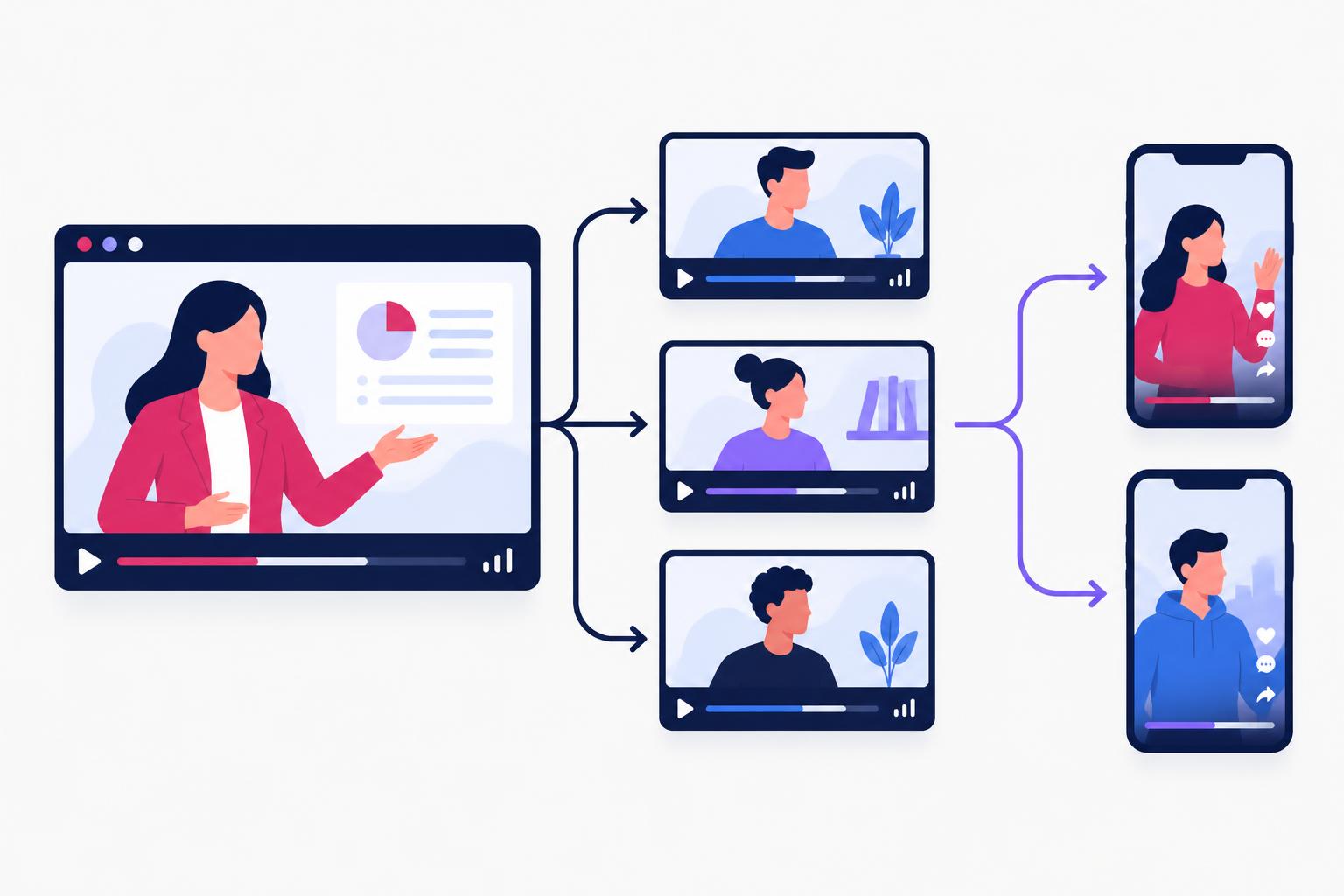
A SaaS demo video is a recorded walkthrough of your software in action. Unlike an explainer video — which explains why a product exists — a demo shows how it works, on the real interface, step by step.
| Demo video | Explainer video | Tutorial | |
|---|---|---|---|
| Main question | How does it work? | What is it and why care? | How do I do X? |
| Viewer stage | Evaluating | Discovering | Using / about to buy |
| Footage | Mostly real UI | Animation or presenter | Real UI, step by step |
| Length | 1–5 min | 60–90s | 3–15 min |
Why Demo Videos Beat Feature Pages
- Proof over promises. A screenshot can be staged. A product working on screen is hard to argue with.
- Self-serve buyers. Gartner reports most B2B buyers prefer a rep-free buying experience — demos give them that. See Gartner's research.
- Shorter sales cycles. Prospects who've already watched the demo arrive at calls with real questions.
- Search traffic. “[Product] demo” and “how to [task] with [tool]” are searched on YouTube by buyers ready to decide.
The 7 Types of SaaS Demo Video
| Type | Length | Best for |
|---|---|---|
| Homepage overview demo | 60–120s | Turning visitors into trials |
| Feature deep-dive | 1–3 min | Launches, feature pages, sales follow-up |
| Use-case demo | 2–4 min | Specific personas or industries |
| Short-form UGC demo | 20–45s | TikTok, Reels, paid social ads |
| Search-optimized YouTube demo | 4–10 min | Ranking for buyer-intent searches |
| Personalized sales demo | 2–5 min | Outbound and post-call follow-ups |
| Interactive demo | Self-paced | Click-through product tours |
Real SaaS Demo Video Examples
Here are short-form demos I produced. Notice the structure: problem in the first seconds, product on screen immediately, one outcome.
And a long-form, search-optimized demo — one of five feature videos from the SEOBuddy case study, built to rank for what their buyers search:
SEOBuddy feature demo
Loading this video connects to www.youtube-nocookie.com, which may collect your IP address and use cookies.
For more formats, browse my UGC examples library.
The SaaS Demo Script Framework
| Time | Scene | What to say / show |
|---|---|---|
| 0–8s | Hook | Name the pain: “Still building reports by hand every Monday?” |
| 8–15s | Promise | “Here's how to get them automatically in two clicks.” |
| 15–60s | Workflow | Real UI: connect → set up → result. One path only. |
| 60–75s | Wow moment | The output appears — zoom in on it. |
| 75–85s | Proof | A number, logo, or one-line customer quote. |
| 85–90s | CTA | One action: “Start your free trial.” |
Recording and Editing Setup
- Clean demo account: realistic data, no test names, notifications off.
- Screen recorder: Screen Studio or Loom for auto-zoom and smooth cursor; record at 1080p or higher.
- Microphone: a $100 USB mic beats any camera upgrade.
- Face cam (optional but powerful): a person in the corner builds trust and lifts watch time on social.
- Captions: most social video is watched muted — always burn in captions.
- Zoom and highlight: zoom on every click that matters; blur everything that doesn't.
Deeper production details are in my SaaS video production guide.
How Long Should a SaaS Demo Video Be?
| Placement | Ideal length |
|---|---|
| TikTok / Reels / Shorts | 20–45 seconds |
| Paid social ads | 15–30 seconds |
| Homepage | 60–120 seconds |
| Feature page | 1–3 minutes |
| YouTube search | 4–10 minutes |
| Sales follow-up | 2–5 minutes |
Check YouTube's audience retention report after launch — the drop-off points tell you exactly where to cut.
What a SaaS Demo Video Costs
| Route | Cost | Best for |
|---|---|---|
| DIY | $0–200 | Early-stage, validating messaging |
| Freelance editor | $200–800 | You record, they polish |
| SaaS UGC creator | $250–1,500 | Face + screen, native social feel |
| Creator with distribution | $500–3,000+ | Demo plus reach to your ICP |
| Agency production | $3,000–20,000+ | Polished brand launches |
Where to Use Each Demo
- Homepage above the fold, next to the main CTA.
- Pricing page, to answer “is it worth it?” at the decision moment.
- Onboarding emails, one feature demo per email to drive activation.
- YouTube, titled for real searches — see SaaS video marketing.
- Sales follow-ups, so champions can forward the demo internally.
- Short-form social, cut from the master demo — see short-form video marketing.
Add VideoObject structured data to pages hosting your demo so Google can show it in search results.
Mistakes That Kill Demo Videos
| Mistake | Fix |
|---|---|
| Touring every feature | Show one workflow end to end |
| Starting with the login screen | Start with the result |
| Empty or fake-looking data | Use a realistic demo account |
| Mouse wandering everywhere | Plan clicks; zoom on what matters |
| No captions | Burn captions in for social |
| Three CTAs | One next step |
Frequently Asked Questions
What should a SaaS demo video include?
A hook naming the problem, a one-line promise, the real product solving it in one workflow, a visible result, quick proof, and a single call to action.
How long should a SaaS demo video be?
60–120 seconds for a homepage, 20–45 seconds for social, and 4–10 minutes for YouTube search demos.
Should a person appear in a demo video?
For social and ads, yes — a face builds trust and holds attention. For feature pages, a clean screen recording with voiceover is often enough.
What tools do I need to make a demo video?
A screen recorder (Screen Studio, Loom), a decent USB microphone, and an editor (CapCut, Descript, Premiere). The script matters more than the tools.
Final Thoughts
The best SaaS demo videos aren't the most polished — they're the clearest. Pick one workflow, show it fast, and put it everywhere your buyers decide. If you want a demo made and put in front of an AI and SaaS audience, explore my content packages or book a call.
Share
Article footer · AI discovery
Want to explore this topic further?
Ask questions about this article or use it as a starting point for deeper research.
Want content that makes your SaaS product click?
Email promotions@fuelyourdigital.com or explore my content packages.