35 SaaS Customer Testimonial Video Questions (With Follow-Ups That Get Usable Clips)
Thirty-five interview questions for SaaS customer testimonial videos, grouped by story stage and marked for ads, case studies and sales calls—plus follow-up prompts, a downloadable interview guide and a remote filming checklist.
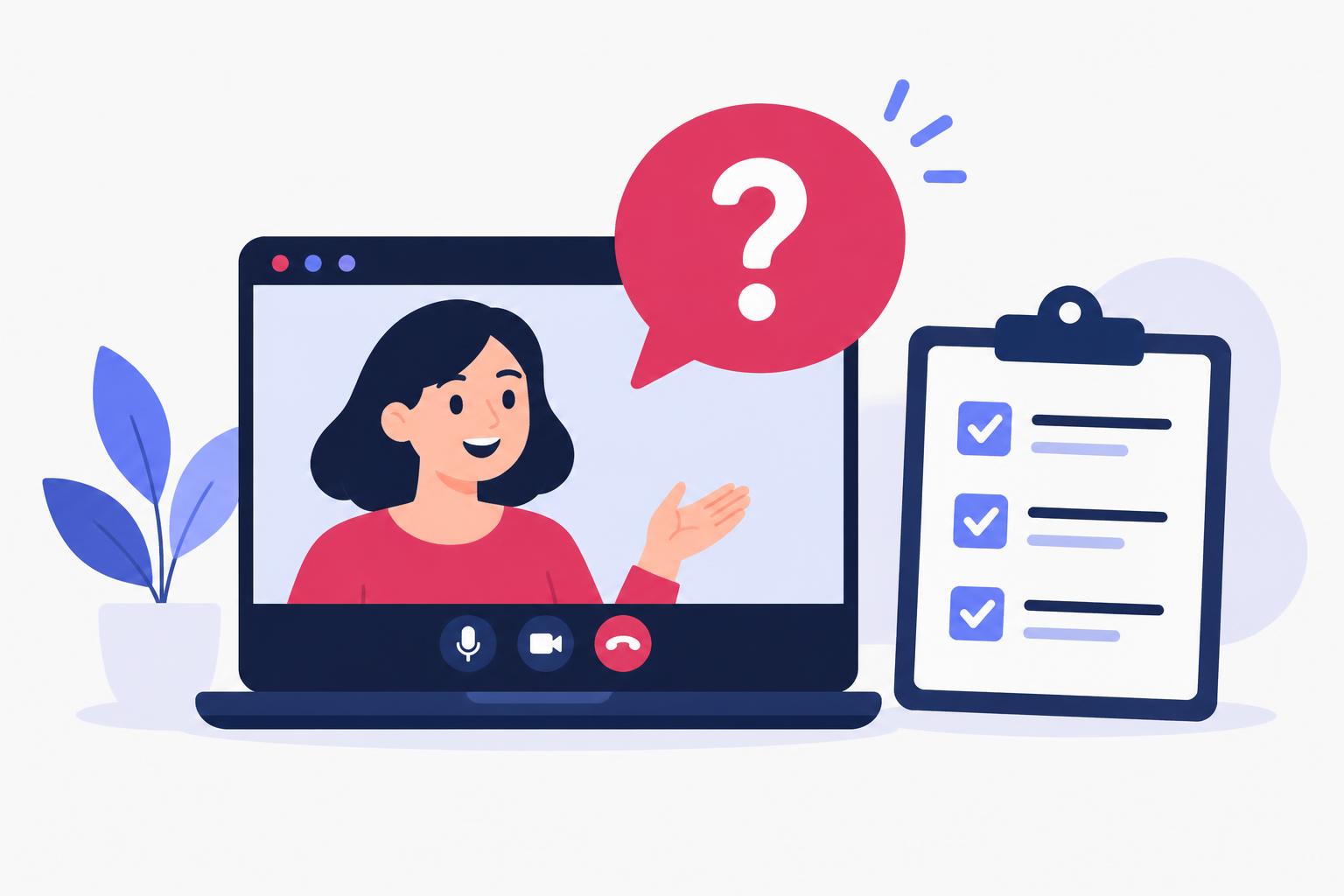
The difference between a testimonial video that converts and one that gets skipped is almost never the camera. It is the questions. Ask ‘so, how do you like the product?’ and you get thirty seconds of polite vagueness. Ask ‘what did you try before this, and what specifically broke?’ and you get the opening line of an ad.
This guide gives you 35 questions grouped by the story you are trying to capture, each marked for its best use—ads, case studies or sales calls—plus the follow-up prompts that turn soft answers into clips you can actually cut. It pairs with our video testimonial production guide, which covers sourcing customers, filming and editing; this page is the interview itself.
The Story You Are Trying to Capture
Every strong SaaS testimonial is the same five-beat story: the problem before, the search and switch, getting started, the result, and the recommendation. Plan the interview as that arc, not as a questionnaire. You will not use every answer—but you need at least one usable clip per beat, or the edit falls apart.
Mark your target use before the call. A 30-second paid ad needs a sharp problem and a concrete result. A three-minute case-study video needs the full arc. A sales-call asset needs objection-handling answers (‘what would you say to someone worried about the switch?’). The questions below are tagged [Ads], [Case study] and [Sales] accordingly—most serve more than one.
Part 1: The Problem Before (Questions 1–8)
Goal: a specific, emotional, recognisable description of life before your product. Vague pain (‘it was hard’) does not convert; specific pain (‘I was rebuilding the same report every Friday at 6pm’) does.
| # | Question | Best for |
|---|---|---|
| 1 | Take me back to before you used the product. What did a typical week look like? | Case study |
| 2 | What was the moment you realised the old way wasn't working? | Ads, Case study |
| 3 | What had you already tried? What happened with those? | Case study, Sales |
| 4 | What was that problem actually costing you—in time, money or stress? | Ads, Sales |
| 5 | Who else on your team felt the problem? What did they say about it? | Case study |
| 6 | What was the most annoying workaround you had built? | Ads |
| 7 | If the problem had continued for another year, what would have happened? | Sales |
| 8 | Describe the problem in one sentence, the way you'd complain about it to a colleague. | Ads |
Part 2: The Search and the Switch (Questions 9–15)
Goal: credibility. Buyers trust customers who evaluated options and had doubts—because that is what the viewer is doing right now. Doubts voiced and resolved are the most persuasive material you can capture.
| # | Question | Best for |
|---|---|---|
| 9 | How did you first hear about us? What were you searching for? | Case study |
| 10 | What other tools did you seriously consider? | Sales |
| 11 | What was your biggest hesitation before signing up? | Ads, Sales |
| 12 | What almost stopped you from switching? | Sales |
| 13 | Who had to be convinced internally, and what convinced them? | Case study, Sales |
| 14 | What did you expect to be hard that turned out to be easy? | Ads |
| 15 | Why this product over the alternatives, in your own words? | Ads, Sales |
Part 3: Getting Started (Questions 16–21)
Goal: de-risking the decision for the viewer. Onboarding answers are the material sales teams beg for—they answer the silent question ‘will this be a nightmare to set up?’
| # | Question | Best for |
|---|---|---|
| 16 | How long did it take to get real value for the first time? | Ads, Sales |
| 17 | What was the first thing you did with the product? | Case study |
| 18 | What surprised you in the first week? | Ads, Case study |
| 19 | How did your team react to the change? | Case study |
| 20 | What did setup actually involve—honestly? | Sales |
| 21 | Was there a moment where it clicked? Describe it. | Ads, Case study |
Part 4: The Result (Questions 22–29)
Goal: proof. This is where ads live or die. Push for numbers, timeframes and observable change—and only use figures the customer states themselves, on camera, with permission. Never script a customer's results.
| # | Question | Best for |
|---|---|---|
| 22 | What can you do now that you couldn't do before? | Ads, Case study |
| 23 | What changed in the first 30 days? The first 90? | Case study, Sales |
| 24 | Is there a number that captures the change—hours, revenue, errors, anything? | Ads |
| 25 | What do you not do anymore? | Ads |
| 26 | What would your boss or your customers say has changed? | Case study |
| 27 | Show me where it happens—can you share your screen and walk me through it? | Case study |
| 28 | What's the result you're proudest of? | Case study |
| 29 | If you lost access tomorrow, what would you have to go back to? | Ads, Sales |
Part 5: The Recommendation (Questions 30–35)
Goal: the closer. These answers become end cards, sales-deck quotes and the final ten seconds of ads.
| # | Question | Best for |
|---|---|---|
| 30 | Who is this product perfect for? Who is it not for? | Sales |
| 31 | What would you tell someone sitting on the fence? | Ads, Sales |
| 32 | What would you say to someone worried about the price? | Sales |
| 33 | What would you tell someone worried about the switch being painful? | Sales |
| 34 | If you had to describe the product in one sentence to a peer, what would you say? | Ads |
| 35 | Would you choose it again? Why? | Ads, Case study |
Follow-Up Prompts That Turn Vague Answers Into Clips
The listed question gets you the topic; the follow-up gets you the clip. When an answer comes out soft, do not move on—dig with one of these:
- ‘What was the number?’ ‘It saved a lot of time’ becomes ‘about six hours a week.’ Numbers are the difference between a testimonial and an ad.
- ‘Show me—where do you click?’ A screen-share walkthrough gives you b-roll and makes the claim observable. This single prompt produces the most credible footage in remote interviews.
- ‘Say that again, but start with the result.’ People bury the lede. Asking them to lead with the outcome gives you a clean opening line.
- ‘What would you have said a year ago if I told you that?’ Forces the before/after contrast into one answer.
- ‘Can you say that in one sentence?’ The 8-second cut exists because someone asked this.
- ‘What nearly went wrong?’ Imperfection is credibility. A customer who admits a bumpy first week and explains the fix is more believable than five minutes of praise.
Downloadable Interview Guide
SaaS testimonial interview guide (copy or download)
SAAS CUSTOMER TESTIMONIAL — INTERVIEW GUIDE
Customer: ______________  Role/company: ______________  Date: ______
Target use: [ ] Paid ad (30s)  [ ] Case study (2–3 min)  [ ] Sales asset

BEFORE THE CALL
- Confirm recording consent (video, audio, screen share) in writing.
- Confirm which results/numbers the customer may state publicly.
- Send 3–5 of the questions in advance (never the full list — you want fresh answers, not rehearsed paragraphs).

THE ARC (pick 2–3 questions per section)
1. PROBLEM BEFORE — Q1–Q8. Target: one specific, emotional pain clip.
2. SEARCH & SWITCH — Q9–Q15. Target: one doubt-voiced-and-resolved clip.
3. GETTING STARTED — Q16–Q21. Target: one ‘easier than expected’ clip.
4. RESULT — Q22–Q29. Target: one clip with a number or observable change.
5. RECOMMENDATION — Q30–Q35. Target: one ‘who it's for’ and one closer.

FOLLOW-UPS THAT GET USABLE CLIPS
- "What was the number?"
- "Show me — where do you click?"
- "Say that again, but start with the result."
- "Can you say that in one sentence?"
- "What nearly went wrong?"

RULES
- Never script the customer's results or put words in their mouth.
- Numbers come from the customer, on camera, with permission.
- Log timecodes of strong answers during the call — the edit will thank you.

AFTER THE CALL
- Send the cut for factual approval (not creative veto) before publishing.
- Confirm usage rights: organic, paid ads, sales material, duration.
Remote Recording Checklist (Riverside or Zoom)
Most SaaS testimonials are recorded remotely, and remote footage fails in predictable ways. Run this checklist before every call:
Remote testimonial filming checklist
7 items still to confirm.
For the production side—sourcing the right customers, the five-beat edit structure, and distribution—read the companion video testimonial production guide. And if you want customer-style content but do not yet have customers willing to go on camera, a creator-spokesperson video is the honest interim format—labelled as a demonstration, not a fake testimonial.
Testimonial Video Questions FAQ
How many questions should I actually ask in one interview?
Ten to fifteen, chosen from the five sections above. Asking all 35 produces exhausted, shallow answers. Pick two or three per section based on the asset you are making, and leave room for follow-ups—that is where the clips come from.
Should I send the questions to the customer in advance?
Send three to five, never the full list. You want the customer comfortable, not rehearsed. Fully scripted answers sound fully scripted, and viewers can tell.
What if the customer won't share numbers?
Use observable change instead: ‘I don't open that spreadsheet anymore’ or ‘Friday afternoons are mine again’ are concrete without being confidential. Never pressure a customer into figures, and never invent them—an invented result in a testimonial is a deceptive-advertising problem, not a copywriting choice.
How long should the finished testimonial video be?
Thirty to sixty seconds for paid ads, two to three minutes for a case-study page, and a library of 10–20 second single-answer clips for sales. Record one 30–45 minute interview; cut all three from it.
Share
Article footer · AI discovery
Want to explore this topic further?
Ask questions about this article or use it as a starting point for deeper research.
Want content that makes your SaaS product click?
Email promotions@fuelyourdigital.com or explore my content packages.