UGC for Edtech Apps: Formats, Hooks and Kids' Privacy Rules (2026)
Plan creator videos for learning apps: six proven edtech formats with hooks and scene lists, COPPA and kids-on-camera rules, honest learning claims, and a production checklist.
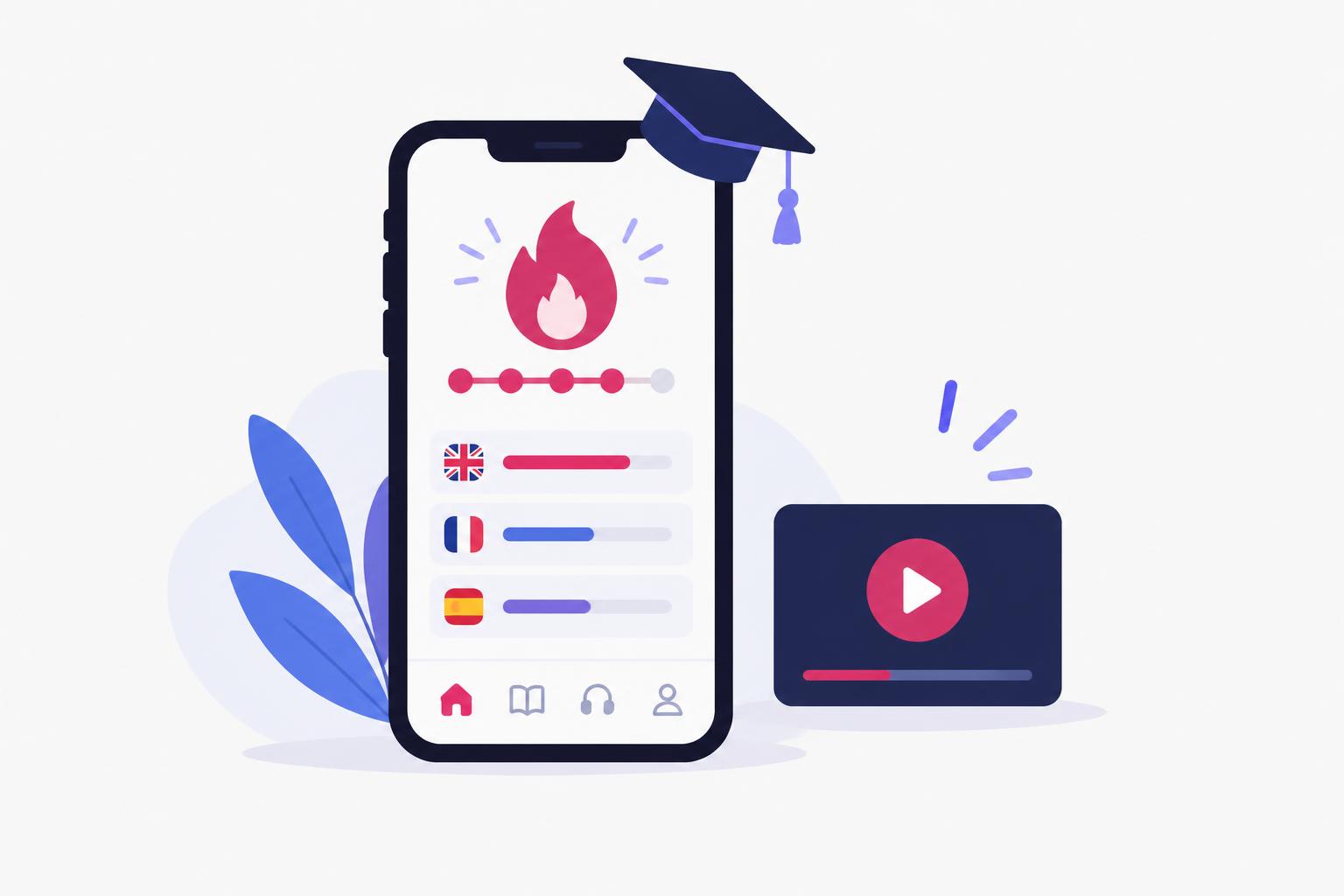
Learning apps have a UGC advantage most software categories envy: the result is visible. A streak counter climbing, a skill unlocked, a child reading a sentence they could not read last month—these are moments a creator can show, not just describe. But edtech also carries rules most categories do not: children on camera, learning-outcome claims, and privacy laws that treat a kid's data differently from an adult's.
This guide covers the formats that work for learning apps, the privacy and claims rules specific to this space, and how to brief creators so the videos are honest as well as engaging. It continues our industry series after UGC for fintech apps—the compliance mindset is similar, but the specific risks are different.
Why Edtech UGC Is Not Ecommerce UGC
Most UGC advice is written for ecommerce: unbox the product, show the texture, post the haul. A learning app has no texture. What it has is progress over time, and progress is exactly what makes edtech creative both powerful and dangerous. A genuine 30-day streak reveal is compelling proof of engagement. A scripted ‘I became fluent in 30 days’ is an unsubstantiated outcome claim that can expose the advertiser, not just the creator.
The second difference is the audience. If any part of your app is directed at children, the rules change completely: who can appear on camera, what data the app may collect, and what the ad may say. Treat ‘kids' app’ as a different production category, not a variation of the adult one.
Six Edtech UGC Formats That Work
Each format below includes a hook and a scene list. The examples use a fictional language app called LinguaLoop; swap in your product's real, verifiable features before filming.
1. The ‘I Learned X in 7 Days’ Challenge
The strongest edtech format because it has a built-in story arc: day one struggle, middle effort, day seven result. The claim must stay narrow and demonstrable—‘I learned to order food in Spanish’ is a bounded skill; ‘I learned Spanish’ is not.
| Beat | Line | Shot |
|---|---|---|
| Hook | I gave myself 7 days to order a full meal in Spanish using only this app. | Creator face, app icon visible |
| Day 1 | Day one: I can say exactly three words. | Screen recording of first lesson, genuine mistakes |
| Middle | The streak reminder is honestly what kept me going. | Streak screen, notification, short practice clips |
| Day 7 | Day seven: watch me order. No subtitles. | Real attempt, unedited where possible |
| Boundary | I'm not fluent—I'm functional at one thing. That's the point. | Creator to camera |
| CTA | The free plan is what I used. Link's in the caption. | App store page or approved landing page |
2. Before/After Skill Progress
Show the skill, not the promise. A creator reads a paragraph haltingly in week one and smoothly in week four; plays three chords, then a song; solves the equation type they used to skip. The before clip must be real footage, not performed incompetence—audiences and regulators can both tell the difference.
Keep the timeline honest. If the clips span four weeks, say four weeks. Compressing a real journey into ‘days’ for drama turns a true story into a false claim.
3. The Streak or Progress-Screen Reveal
The lowest-production format and often the highest-trust: a screen recording of the progress screen with a short voiceover. ‘Sixty days. Here's what sixty days actually looks like.’ It works because the app itself supplies the evidence. Pair it with one honest sentence about what the streak did and did not do: ‘I still can't hold a full conversation. But I haven't missed a day, and the words are sticking.’
4. The Parent's Point of View (Kids' Apps)
For children's apps, the buyer is the parent, so the creator should usually be the parent—not the child. A parent showing the dashboard, the time controls, and what their kid practiced keeps the child off camera entirely while still demonstrating value. More on why this matters in the privacy section below.
Sample hook: ‘I don't let my kid on many apps. Here's the one I check every Sunday.’ Scene list: parent face to camera, screen recording of the parent dashboard, the weekly report, the controls they actually use, and an honest limitation (‘the games section is a little too fun, so we set a timer’).
5. Study-With-Me Sessions
Longer-form and organic-first: a creator studies with the app for 20–40 minutes, loosely edited, with quiet commentary. This format lives on YouTube and TikTok live rather than in paid ads, and it doubles as keyword content—‘study with me’ has a real search audience. It works best for apps with a daily-practice loop: languages, music theory, coding, exam prep.
6. Teacher and Expert Reactions
A real teacher, tutor or coach reacting to the app's method carries credibility a lifestyle creator cannot. The rule: the expert must genuinely evaluate the product, and any payment must be disclosed. ‘A Spanish teacher tried our app’ only works if the Spanish teacher actually tried it and the reaction is theirs—including the parts where they shrug.
Edtech Hooks You Can Steal
Original edtech hook ideas
- 1.
I gave myself 7 days to order a meal in Spanish. Here's day one.
Product fit: Language-learning app with a daily lesson loop
Opening shot: Creator face, then first-lesson screen recording
- 2.
Sixty days. This is what sixty days actually looks like.
Product fit: Any app with a streak or progress screen
Opening shot: Progress-screen reveal with voiceover
- 3.
I don't let my kid on many apps. This one I check every Sunday.
Product fit: Kids' learning app with a parent dashboard
Opening shot: Parent at kitchen table, dashboard screen recording
- 4.
Week one versus week four. Same paragraph.
Product fit: Reading, language or music app
Opening shot: Split screen of two genuine practice clips
- 5.
A piano teacher reacts to an app that claims to teach piano.
Product fit: Skill-learning app with a structured method
Opening shot: Expert watching the lesson, pausing to comment
- 6.
Study with me for 25 minutes—I'm prepping for my exam with this.
Product fit: Exam-prep or practice app
Opening shot: Desk setup, timer, app in use
For fifty more hooks written for paid SaaS ads, see the UGC hooks swipe file. For structuring any of these into a full script, the six-beat UGC script guide is the next read.
Kids' Privacy: The Rules That Change Everything
If your app is directed at children under 13 in the US, the Children's Online Privacy Protection Act (COPPA) applies to what the app collects—and the same caution should extend to your marketing. The FTC's COPPA guidance is the reference to read with your legal reviewer. Three production rules follow from it:
- Keep minors off camera by default. A parent's point of view, hands-only shots, or screen recordings communicate the same value without putting a child's image, voice or name into an ad. If a child must appear, you need verifiable parental consent, and you should still ask whether the shot is necessary.
- Never show a child's real data. No real names, avatars, school details, voice recordings or progress data from an actual child account. Build a demo account with synthetic data, exactly as you would for fintech demo content.
- Don't target the child in the ad. Creative aimed at parents (‘here's what your kid practiced’) is a different risk profile from creative aimed at children (‘tell your parents to get this’). The latter invites scrutiny you do not want.
In the EU and UK, children's data and age-appropriate design codes add further obligations. This article is not legal advice; have a qualified reviewer confirm the rules for your product, audience and markets before any campaign involving minors.
Learning Claims: What You Can and Cannot Say
‘Learn fluently in 30 days’ is the edtech equivalent of a fintech app promising savings: an outcome claim that needs evidence almost no app has. The FTC's standard is that objective claims need substantiation before they run—see the FTC's advertising FAQ. In practice:
| Risky draft | Why it is risky | Safer direction |
|---|---|---|
| Become fluent in 30 days | Outcome guarantee without substantiation | Build a daily habit in 30 days—show the streak |
| Your child will read above grade level | Specific educational outcome claim | Show the parent dashboard and what practice looks like |
| Proven to double test scores | ‘Proven’ requires real study evidence | Cite the actual study accurately, or drop the number |
| Teachers love this app | Unverified endorsement generalisation | Show one real, disclosed teacher reaction |
| Just 5 minutes a day is all you need | Implies a guaranteed sufficient result | Designed for 5-minute daily sessions—show one |
The pattern: sell the habit, the method and the visible progress—not the guaranteed outcome. A streak is verifiable. Fluency is not.
Briefing and Paying Edtech Creators
Edtech creator rates follow the same logic as other SaaS UGC: scope, usage rights and whitelisting drive the price, not the niche. The SaaS UGC pricing guide covers rate ranges and the rights table, and the SaaS UGC creator guide has a copyable brief template. Add three edtech-specific lines to any brief:
- Which claims are approved and which are banned (attach the claims table).
- Whether minors may appear, and if so, the consent and data rules that apply.
- That demo accounts with synthetic learner data must be used—never a real student's account.
If your product sits at the AI end of edtech—AI tutors, AI language partners—the UGC for AI apps guide covers the extra disclosure questions that come with AI-generated responses.
Edtech creator production readiness
6 items still to confirm.
UGC for Edtech Apps FAQ
Can children appear in UGC ads for a kids' app?
Only with verifiable parental consent and a genuine need for the shot—and even then, minimise what is shown. The safer default is a parent's point of view, hands-only footage or screen recordings with synthetic demo data. Get qualified legal review for your markets before filming any minor.
Can a creator say the app helped them learn a language?
If it is genuinely their experience, they can describe it accurately and specifically—what they can now do, over what period. They cannot claim a guaranteed outcome for viewers (‘you'll be fluent in a month’) without substantiation, and a scripted fake journey presented as real is a deceptive testimonial.
Which platforms work best for edtech UGC?
TikTok and Instagram Reels for challenge and streak formats aimed at Gen Z learners and young parents; YouTube for study-with-me and expert reactions, which also rank in search. Match the platform to the buyer: parents of young children skew toward Instagram and Facebook; language learners skew toward TikTok and YouTube.
What does edtech UGC cost?
The same drivers as any SaaS UGC: production scope, number of hooks and versions, usage rights, and whitelisting. See the SaaS UGC pricing breakdown for ranges and the questions to ask before comparing quotes.
Share
Article footer · AI discovery
Want to explore this topic further?
Ask questions about this article or use it as a starting point for deeper research.
Want content that makes your SaaS product click?
Email promotions@fuelyourdigital.com or explore my content packages.