LinkedIn Video Ads for SaaS: The First 3 Seconds, Sound-Off Proof and Better Demos
A video-only LinkedIn playbook: buyer-specific openings, readable B2B workflows, founder versus creator formats, caption review and objective-led testing.
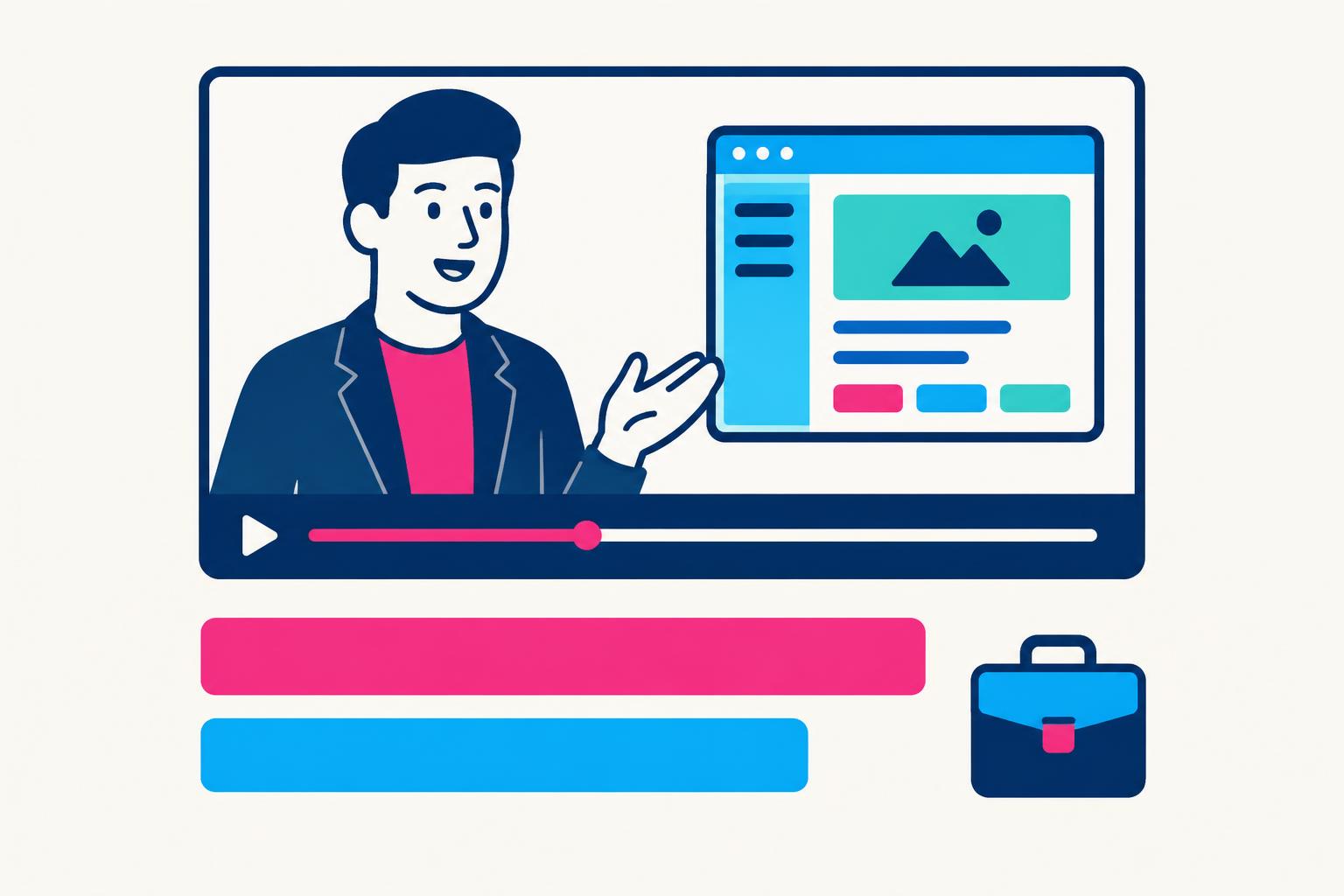
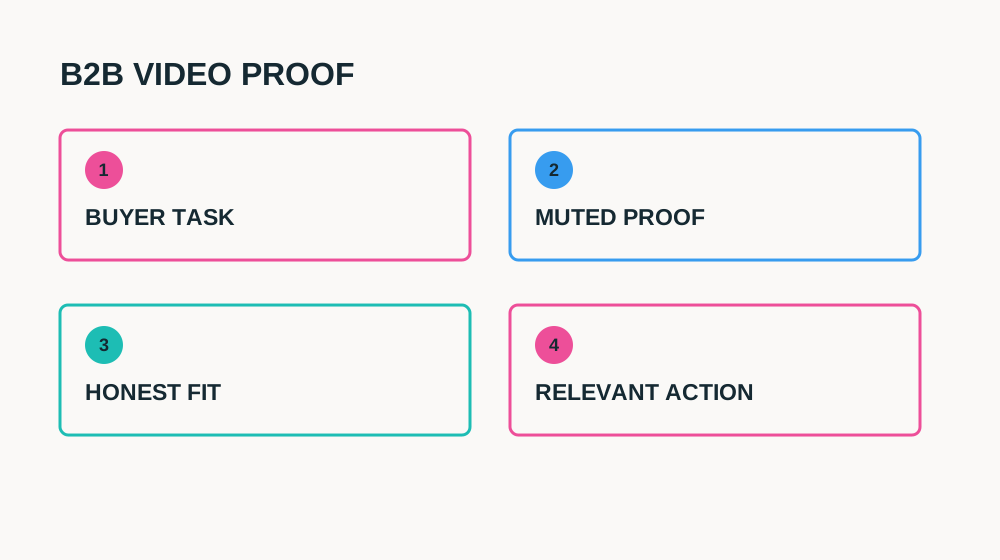
LinkedIn video ads for SaaS should make a professional buying problem visible before they introduce the company. A finance lead reviewing approvals, an operations manager checking a handoff and a founder choosing a reporting tool need different openings. “Meet our all-in-one platform” asks all of them to wait while you explain yourself. A specific workflow gives the right person a reason to keep watching.
This is a video creative guide, not a general LinkedIn campaign setup article. It covers the first three seconds, sound-off captions, the choice of presenter, B2B proof and objective-led review. Three seconds is our editorial constraint for a useful opening—not an official LinkedIn rule or a guaranteed retention threshold. Match the campaign setup and technical export to the current platform documentation.
Choose the Video’s Job Before the Presenter
| Job | What the video should prove | Relevant next step |
|---|---|---|
| Awareness | A recognisable problem and a credible mechanism | Helpful explanation or relevant overview |
| Consideration | A real task, output and constraint | Detailed workflow page or comparison |
| Lead generation | A specific reason to request the offered resource | A clearly described form offer |
| Demo request | Fit for a role and a question worth discussing | A demo destination that explains the process |
One video cannot equally serve people discovering the category and people requesting a sales conversation. Choose one primary buyer question and keep the landing page aligned. If the CTA offers a workflow guide, deliver that guide rather than converting the click into an unexplained sales booking. A form fill is not automatically a qualified opportunity; define fit and follow-up before buying distribution.
Place LinkedIn within the wider acquisition mix using B2B SaaS marketing channels.
The First 3 Seconds: Role, Friction or Visible Outcome
| Buyer | Opening line | Opening shot |
|---|---|---|
| Operations lead | “Still checking three places before approving a handoff?” | Synthetic handoff with missing status |
| Customer success manager | “Here is where this account’s open requests are reviewed.” | One readable account-workspace panel |
| Finance team | “Before you export this report, check this approval step.” | Approved demo screen with review state |
| Founder | “This is the result of one weekly pipeline review.” | Synthetic output labelled as a demo |
Make the professional context concrete without pretending the platform knows private facts about a viewer. Avoid alarmist targeting language or insinuations about personal performance. Show the task in the first frame, then let a presenter explain why it matters. A logo can be present; a logo animation does not need to consume the opening. Check that the first frame still communicates when playback has not started.
Film alternative openings while the setup is ready. Keep the body and CTA constant so the test answers something useful. A result-first version and a problem-first version are meaningfully different; changing the background, offer and length at the same time is hard to interpret. Judge response among the intended audience, not just the most enthusiastic comments.
Sound-Off Captions: Explain, Do Not Decorate
Assume the video must remain understandable without sound. Captions should be accurate, legible and synchronised with the voice, but a transcript alone does not explain an unfamiliar screen. Add concise task labels near the relevant action and keep the outcome clear. Avoid burning paragraph-long text across a dashboard: it covers precisely the evidence the buyer needs to inspect.
- Preview the exported video muted at actual feed size.
- Use short caption chunks and sufficient contrast; review names and product terminology manually.
- Keep captions clear of controls, lower-screen interface areas and the demonstrated result.
- Retain a clean master and provide supported caption files where appropriate.
- Repeat material qualifications in visible text when the spoken claim would otherwise be incomplete.
A silent reviewer should be able to answer: who is this for, what happened, what condition matters and what happens after clicking? If they cannot, simplify the demonstration or extend the relevant shot. Do not solve unreadable software text by making captions louder. Recompose the software footage so the useful content is large enough to see.
Founder vs. Creator vs. Customer: Choose the Evidence Source
| Presenter | Useful role | Boundary |
|---|---|---|
| Founder | Explain why the workflow exists and the product trade-off | Not an independent review; avoid unsupported vision claims |
| Human creator/spokesperson | Translate the task into concise, natural language | Do not invent long-term use or a customer relationship |
| Actual customer | Describe verified experience in their context | Get permission; results may not generalise |
| Screen and voice only | Demonstrate a clear task with minimal framing | Can need more context for an unfamiliar buyer |
A founder knows the product but may include too much background. A creator may deliver a clearer explanation but needs a safe demo account and accurate briefing. A customer adds experience only if it is genuine and relevant. Test the presenter while holding the task and offer constant. A small company does not need an executive aesthetic; it needs a credible, inspectable explanation.
For creator handoff and approved product claims, use the SaaS UGC brief template.
What to Show for a B2B Product
Pick the operational evidence a buyer would ask for on a call. For a reporting product, that might be the source selection, resulting report and review step. For a workflow tool, it might be the request, permission boundary and handoff status. For an AI feature, show the input, generated output and human check rather than a floating “AI-powered” label.
Use a synthetic workspace and avoid real customer emails, confidential records or internal meeting material. Show limitations that affect evaluation: supported integrations, account role, plan eligibility or setup. Do not imply security certification, compliance or guaranteed savings from a neat-looking dashboard. Those claims need specific substantiation and often more explanation than a short feed video can provide.
| Time | Communication job | Visual |
|---|---|---|
| 0–3s | Recognise a review task | One synthetic request waiting for approval |
| 3–8s | Name the change | Creator plus relevant screen entry point |
| 8–23s | Prove the workflow | Assign reviewer → inspect request → show resulting state |
| 23–30s | Qualify fit | Role/setup or product limitation beside the result |
| 30–35s | Offer one next step | Relevant demo or workflow resource |
Check Current LinkedIn Specifications Before Export
Do not use a creative guide as your final export specification. Check the current requirements for the exact ad placement and account workflow, including accepted formats, dimensions/aspect ratio, duration, file size and caption handling. Platform requirements can change. Export and inspect a test upload before producing every variant. These editorial timing suggestions do not override LinkedIn’s technical limits.
Current production reference: LinkedIn video ad specifications.
For platform creative advice and objective alignment, see LinkedIn video advertising guidance.
A Video Test That Answers a B2B Question
Start with a consistent audience definition and one creative question: does a task-first opening explain the product better than a result-first opening? Keep campaign objective, destination and qualification process stable. Next test the proof sequence or presenter. Compare equal reporting windows and platform definitions rather than mixing an awareness video view with a sales-form event.
| Signal | Question | Caution |
|---|---|---|
| Video engagement | Did the audience reach the proof? | A view does not establish buying intent |
| Destination clicks | Did the offer earn investigation? | Clicks can be irrelevant or accidental |
| Form/demo requests | Did the next step match the promise? | Submission is not qualification |
| Qualified opportunities | Did the buyer fit the intended use? | Sales follow-up and attribution affect the result |
| Activated users or customers | Did the workflow become useful? | Longer B2B cycles can outlast a short reporting window |
Keep notes from sales and customer success: what question did people ask after watching? If requests increase but most prospects misunderstand availability, the video needs a clearer qualification—not simply more budget. If leads are scarce, inspect audience relevance and the destination before concluding that every founder or creator format is ineffective.
LinkedIn video review
6 items still to confirm.
LinkedIn Video Ads for SaaS FAQ
Should the founder appear in every SaaS video ad?
No. Use a founder when product judgement or context matters, a creator for clear task-led explanation, and actual customers for genuine experience. Test the role against the same buyer question.
How long should a LinkedIn SaaS video ad be?
A 20–45-second workflow demonstration is a practical starting concept, not an official ideal. Use enough time for readable proof and check current placement specifications before exporting.
Can the ad rely on voice-over?
Voice-over can add context, but the key meaning should also survive muted playback. Accurate captions, readable product footage and visible qualifications are essential review criteria.
For a human-led B2B video production scope, see my services and examples.
Share
Article footer · AI discovery
Want to explore this topic further?
Ask questions about this article or use it as a starting point for deeper research.
Want content that makes your SaaS product click?
Email promotions@fuelyourdigital.com or explore my content packages.