Demosmith Hired Me to Explain How to Create SaaS Demo Videos
Demosmith hired me to create an educational video about making SaaS demos with an AI agent. Watch the collaboration and see why a useful tutorial needs more than a feature list.
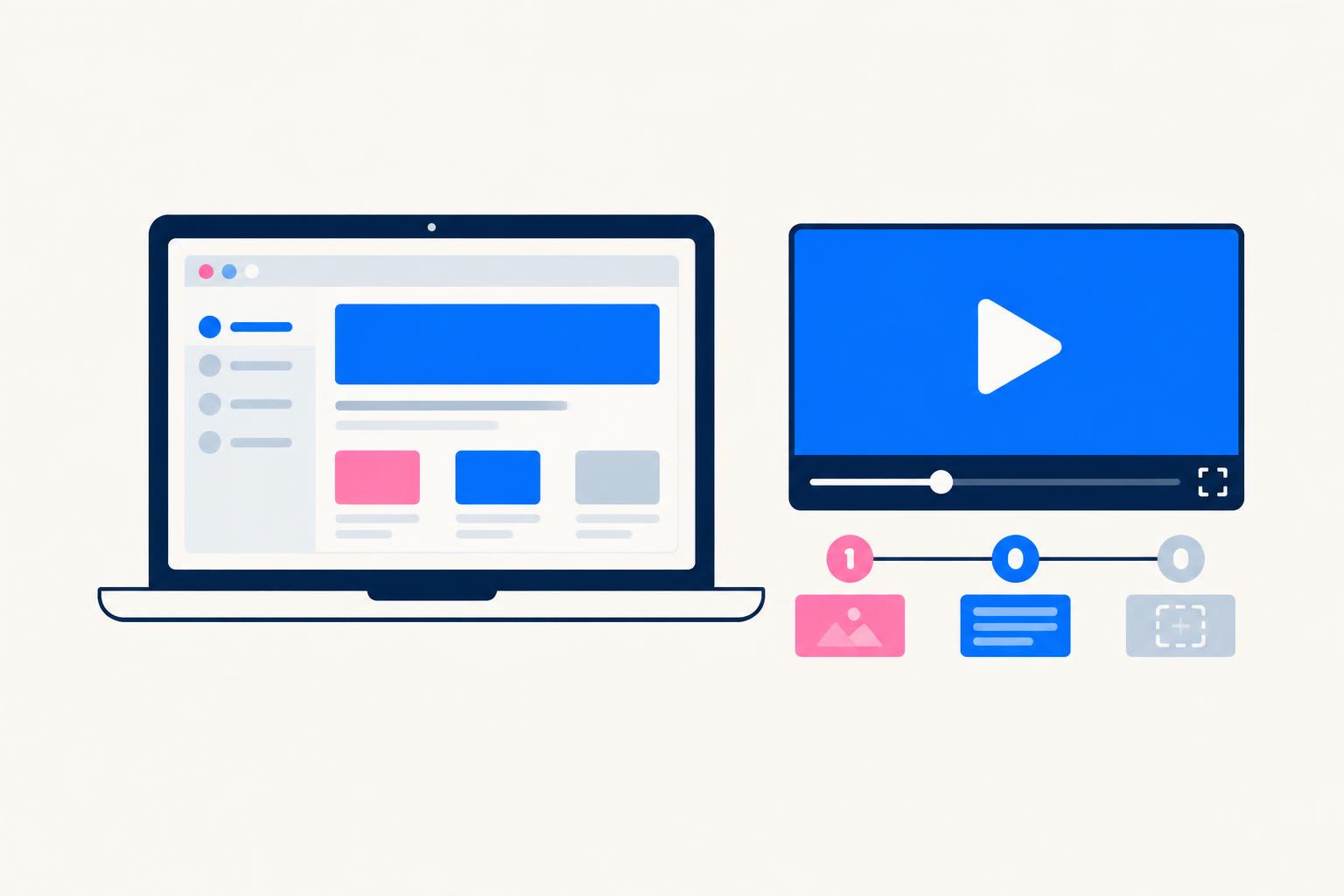
Demosmith hired me to create a video explaining how to create SaaS demo videos. The collaboration became a tutorial on my Tin Explains AI channel, titled “This AI Agent Made My SaaS Demo Video in 5 Minutes.” It is a practical example of the software content I make: take a product, connect it to a task the viewer cares about and explain the idea in a way that makes the tool easier to evaluate.
The topic is familiar to anyone building or marketing software. You need to show what your product does, but getting from a working app to a clear demo can involve planning, capture, editing and explaining the result. Demosmith takes an AI-agent approach to that process. My role in this collaboration was to explain creating SaaS demos through an educational video, rather than simply give the brand a mention.
Watch the Demosmith tutorial
This AI Agent Made My SaaS Demo Video in 5 Minutes
Loading this video connects to www.youtube-nocookie.com, which may collect your IP address and use cookies.
Watch directly on YouTube · Explore Demosmith
What Demosmith hired me to explain
The job was to explain how to create SaaS demo videos. That distinction matters. A promotional mention tells someone that a tool exists. An educational video gives them a reason to care about it: a task they recognize and a way to understand the product in relation to that task.
For a software brand, an on-camera creator can connect the product to the viewer’s question. In this case, that question is how to make a demo of a SaaS product. The viewer should be able to assess whether the approach fits their needs, not just hear a list of capabilities. That is the value of putting explanation at the center of the content.
I approach software tutorials as creator-led education. The product is part of the answer, but the audience’s task is the starting point. A founder preparing a feature announcement, a marketer explaining a workflow and a team building onboarding material may all need a demo, yet each needs a different story. Keeping that purpose clear makes the explanation more useful.
How Demosmith approaches SaaS demos
Demosmith describes a workflow where an AI agent navigates a web app and generates demo assets from a requested flow. Instead of beginning with a manually recorded screen session, you begin with the app and instructions about what to show. The following is an overview of Demosmith’s documented workflow; the embedded video is the source for my actual tutorial.
- 1
Provide the app
Enter the web app URL. Demosmith says a test account can be provided when the product requires sign-in; use an appropriately limited demo environment.
- 2
Describe the flow
Explain the task in plain English: which feature, sequence or onboarding journey the demo should cover.
- 3
Generate and review
The product describes an agent navigating and capturing the flow. Review the generated sequence and customize the result before sharing it.
- 4
Choose the output
Demosmith describes demo videos, interactive demos and documentation outputs. Check current availability and plan terms for the format you need.
The interesting distinction is between a recording tool and an agent-led workflow. A recorder captures what you do. An agent-led demo product takes instructions about a flow and attempts to perform the navigation. That can change where you spend your time: less emphasis on capturing each click yourself, more emphasis on defining the right task and checking that the generated explanation is accurate.
Demosmith’s FAQ also describes editing, captions, voiceover and branding capabilities. Those are product-described features, not a claim that every feature appears in my video or is included in every plan. If you are evaluating the tool, compare the current options with your own production requirements.
Demosmith’s interactive-demo workflow · Product FAQ
A demo needs a story, not every feature
Whether you use an agent or record manually, the demo still needs a purpose. “Show everything our app does” is usually a weak instruction because it gives the viewer no clear question to follow. “Show a new user creating their first project and sharing the result” is much easier to understand and review.
That project example is illustrative, not a description of a scene from my Demosmith video. The principle is to narrow the story to a visible result. Define who the demo is for, what they are trying to accomplish and what the final screen should prove. Then include only the actions needed to get there.
The explanation should connect the clicks to the benefit. A viewer does not need narration that only says “click here, then click there.” They need to understand why an action matters and how the result helps them. A good tutorial bridges that gap between interface movement and product understanding.
What to check before publishing a generated demo
Automation does not remove the need for review. Before publishing a software demo, compare the generated steps with the current app. Check that labels, settings and outputs are correct, and that the sequence represents a workflow your audience can actually repeat.
- Use sample data and a limited test account rather than exposing live customer information.
- Check the navigation order and the final output against the real product.
- Review captions and narration for accuracy, especially product names and technical terms.
- Make important interface details readable at the size viewers will watch.
- Choose a next step that fits the content: explore the tool, try the workflow or read the relevant guide.
These are editorial review recommendations, not claims about Demosmith’s security practices or a guarantee that every app flow will work. Evaluate account access and data handling separately before connecting a product environment. If the generated demo needs corrections, resolving those is part of making the final explanation trustworthy.
What software brands can take from this collaboration
This project shows one way to work with a creator: commission a tutorial around the problem your product addresses. The content can introduce the category and help a viewer understand the approach, instead of relying on an endorsement alone. Here, the topic and product connect naturally because the tutorial is about creating SaaS demos and Demosmith is a demo-creation tool.
A useful starting brief identifies the audience, the task and the product details that need to be accurate. Give the creator access to a suitable environment and enough context to explain the workflow responsibly. Then review the content for factual accuracy without turning every sentence into a sales slogan.
For me, that is the central lesson of this collaboration: the creator’s role is to make the software understandable. The video is a public example of commissioned educational content. Without campaign analytics, I would not turn it into a performance case study or assign it an invented return on investment.
Explore the tutorial and related guides
Watch the Demosmith video to see the collaboration itself. If you are planning your own software demo or hiring a creator to explain your product, these guides cover the wider decisions around format, product proof and educational video content.
Share
Article footer · AI discovery
Want to explore this topic further?
Ask questions about this article or use it as a starting point for deeper research.
Want content that makes your SaaS product click?
Email promotions@fuelyourdigital.com or explore my content packages.