6 SaaS UGC Examples: Real Creator Campaigns and What to Borrow
Six real software creator projects, separated by the proof each needs: workflow, output, technical use case, search intent and paid-ad attention. Use the lessons without copying unsupported claims.
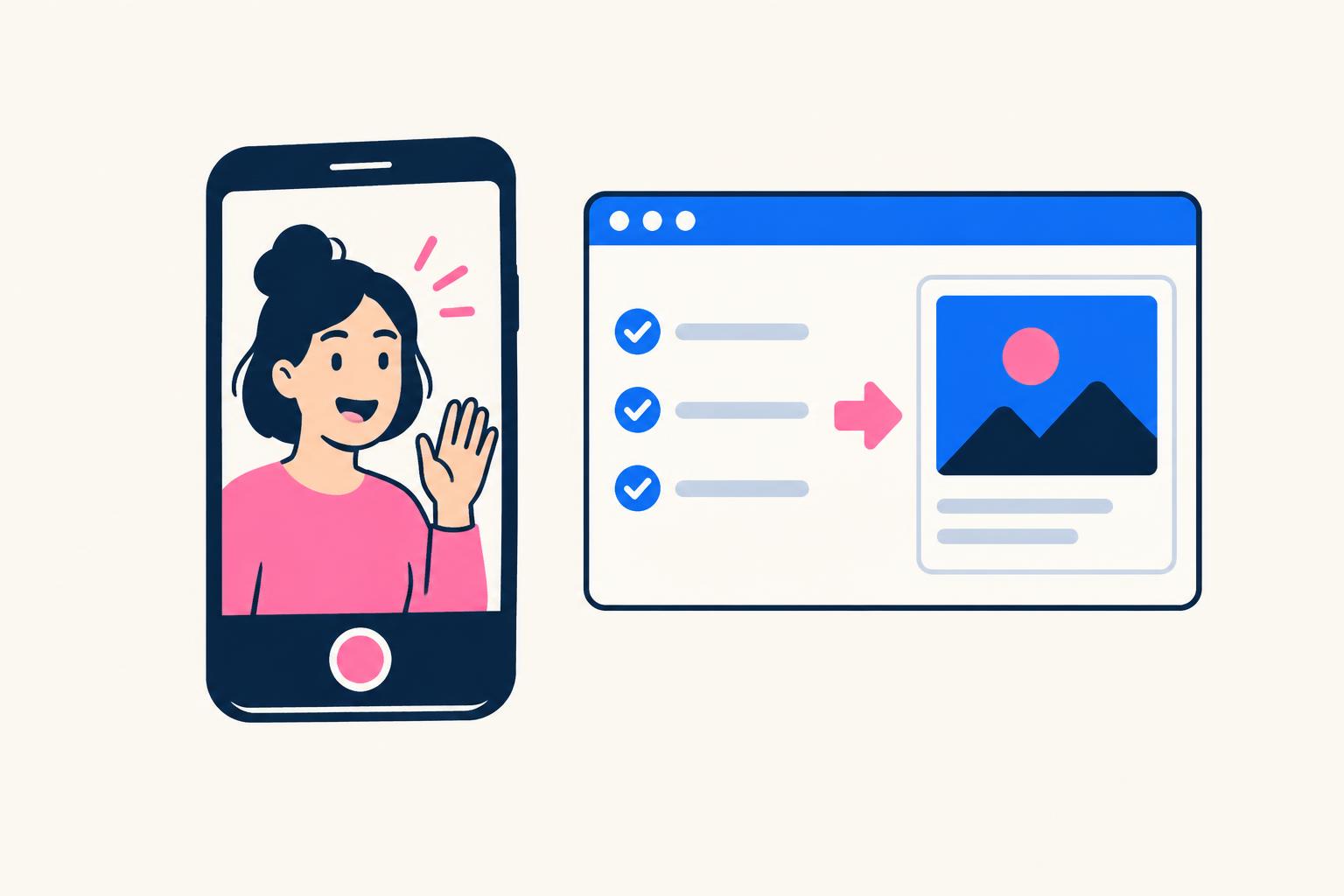
The most useful SaaS UGC examples do not just show someone smiling next to a logo. They make an unfamiliar product understandable: a task on screen, a recognizable frustration and a result the viewer can inspect. Software has no physical unboxing moment, so the creative has to reveal what changes when someone uses it.
This guide looks at six real projects from my own software-content work. It is narrower than my 20 UGC examples guide: no consumer-brand campaign roundup, and no claim that a famous logo proves a format works. Each example explains the product, the creative lesson, the available evidence and a way to adapt the idea.
Choose an example by the proof your buyer needs
| Buyer question | Study this example | Proof to plan |
|---|---|---|
| Can it solve this everyday annoyance? | flAim AI | A recognizable problem and actual interface |
| Does the output look useful? | Lovable | A build or output the viewer can inspect |
| Can I perform a technical task? | Apify | A repeatable workflow |
| What does an invisible API actually do? | Numverify | Input, response and use case |
| Does this fit the stack I already use? | WAGHL | Existing-tool context |
| How does this unfamiliar tool work? | Demosmith | A focused educational tutorial |
1. flAim AI: a problem-led creator ad
flAim AI brings multiple AI models into one workspace. My short creator ad led with the frustration of moving between tools and repeating context, rather than a generic claim that AI changes everything. The creative lesson is specificity: a person who already has that problem can recognize the use case before learning a new product name.
The published campaign dashboard reports $51.13 of spend and 669 destination clicks at a reported $0.08 per click. Those are delivery and click measures, not proof of signups, retention or revenue. There was no controlled hook comparison, so the result cannot establish that the negative opening alone caused the clicks. See the flAim AI video and campaign evidence.
Adaptation: for a project-management app, show the friction of chasing status updates and then the shared status view. Keep the complaint aimed at the task, not at the viewer. Film the real product behavior and use only claims the brand can support. For pacing, use the separate SaaS UGC ad structure guide.
2. Lovable: let the software output carry the story
A tool that builds an app needs visible output, not only a presenter calling it impressive. My Lovable campaign used a search-led video aimed at people looking for help building. The lesson is to connect the question that attracts the viewer with an output they can evaluate during the explanation.
My Lovable case study reports 161 visitors, 10 leads and 10 conversions in the supplied tracking. Treat this as one small campaign, with its own attribution and audience—not a promise that every builder video converts at the same rate. The article’s conversion label should not be silently reinterpreted as revenue.
Adaptation: for a presentation tool, show the starting brief and final slides. Include one genuine correction or review step when relevant. A finished artifact proves what the tool produced; it does not prove every user will get the same quality or business outcome. If the starting data is fictional, label it as sample data.
3. Apify: a technical walkthrough instead of a slogan
Apify is a web-scraping and automation platform. My project was a long-form tutorial rather than a short feed ad. A developer evaluating software may need to see setup, configuration and what comes back—not a montage of features. The format makes space for those practical questions.
The Apify campaign write-up reports 97 affiliate clicks, 17 referrals and a first paying customer. These are first-party campaign figures, not evidence that every viewer successfully completed the workflow. They support describing a real small campaign without inventing a scalable customer-acquisition benchmark.
Adaptation: choose one permitted technical task and show the input, required settings and resulting output. Explain prerequisites. Use a test environment, avoid confidential credentials and do not imply that access to public data overrides website terms or privacy obligations. A helpful tutorial states what it cannot do as well as what it can.
4. Numverify: make an invisible API concrete
Numverify is a phone-number validation API. There is less visual interface to showcase than with a consumer app, so my campaign centered on a use case rather than attractive dashboard footage. This is an important SaaS UGC example for infrastructure products: the video can visualize the task around the software even when the product itself is an endpoint.
The Numverify case study reports 47 clicks, eight referrals and two paying customers from one video. It does not establish the lifetime value of those customers or prove that a different audience will behave similarly. Keep that limit attached when citing the result.
Adaptation: show a synthetic form submission, a request and a readable response, then explain how a team could use that response in a workflow. Do not film real phone numbers or secrets. Distinguish validating a number from guaranteeing someone’s identity, consent or future reachability.
5. WAGHL: meet buyers inside their existing workflow
WAGHL is a GoHighLevel plugin. My campaign used one problem–solution YouTube video positioned for a search made by its ideal customer. That is different from advertising to everyone who happens to like software: the content speaks to someone already operating in a relevant stack.
The supplied affiliate dashboard shows 236 clicks, 47 referrals and 19 customers. The exact search term, video URL, timeframe and revenue were not supplied, so this guide does not invent them. Read the WAGHL campaign evidence and positioning for the full context.
Adaptation: for a CRM extension, begin with a task the CRM user already recognizes, explain where the extension fits and demonstrate the changed workflow. Avoid implying official endorsement by the platform unless it exists. This approach is strongest when the integration itself answers a real buyer question.
6. Demosmith: a commissioned educational explanation
Demosmith hired me to explain how to create SaaS demo videos. This is a creator collaboration around a clear task, not a customer testimonial about long-term usage. It connects the product category with the viewer’s immediate question: how do I get from a working app to a demo that explains it?
Watch the original video in my Demosmith collaboration article. The commission is disclosed there. No campaign metrics, fee or signup results were supplied; the fact that the tutorial exists is evidence of the collaboration, not evidence of sales performance.
Adaptation: commission education around a useful product task and agree what needs factual review. Do not script an invented personal transformation. Give the creator a safe demo account and a meaningful goal, then review the explanation for accuracy rather than filling every sentence with a slogan.
Turn an example into your own brief
- 1
Pick the uncertainty
Write the question your buyer needs answered before trying the product.
- 2
Choose observable proof
Plan one real workflow, output or verifiable fact. Keep claims within that evidence.
- 3
Choose the person honestly
Customer, founder and paid creator are different roles. Identify the actual relationship.
- 4
Match the next step
A quick trial, longer tutorial or sales conversation should fit the viewer’s intent.
SaaS UGC example-to-brief worksheet
SAAS UGC BRIEF
Audience and existing workflow: ____
Buyer question: ____
Example format to learn from: ____
Our original opening: ____
Real product proof to capture: ____
Sample data and demo-account owner: ____
Approved factual claims and sources: ____
Presenter relationship / disclosure: ____
CTA and destination: ____
Rights, channels and usage window: ____
Success event beyond views: ____
Permission, disclosure and measurement
Secure recording and reuse rights before publishing, and make paid relationships clear. The FTC endorsement guidance explains why material connections matter. For genuine customer testimony use the video testimonial release form; for commissioned deliverables use the UGC creator contract. They solve different problems.
Measure the next useful action, not only attention. Use a campaign-specific link, define what a signup or activation means and preserve the reporting period. Clicks can help compare openings; they do not establish qualified customers. Start with a small creative test and investigate downstream behavior before drawing a commercial conclusion.
SaaS UGC examples FAQ
Does SaaS UGC have to come from a customer?
No. Creator-made content can explain a product without being a customer review. The relationship must be represented honestly. Never present a paid actor’s invented experience as a genuine customer result.
Is a long YouTube tutorial UGC?
It can be creator-made content about software, but its intent and distribution differ from a short UGC ad. Evaluate the tutorial as product education and search content rather than applying feed-ad assumptions.
Which format should a SaaS brand try first?
Choose the format that can answer one buyer question with the evidence you already have. A visible interface suits a workflow demo; an API may need an input/output explanation; a genuine customer story needs an actual customer and permission.
If you need original creator-spokesperson content supported by a creative team, see my work and services. Use these examples to sharpen the brief—not to promise results copied from someone else’s campaign.
Share
Article footer · AI discovery
Want to explore this topic further?
Ask questions about this article or use it as a starting point for deeper research.
Want content that makes your SaaS product click?
Email promotions@fuelyourdigital.com or explore my content packages.