Lo-Fi UGC for SaaS: How to Film Natural Ads on Your Phone
A phone-first SaaS creator playbook: natural delivery, clean audio, readable software proof, five format choices, an original script and a downloadable filming brief.

Lo-fi UGC is creator-style content filmed with a deliberately simple, everyday feel: a phone, a real room, natural speech and an edit that does not look like a studio commercial. For SaaS, it still needs readable product proof. A casual delivery cannot compensate for an ad that never shows what the software does.
‘Lofi UGC’ and ‘lo-fi UGC’ refer to the same aesthetic here. It is not lo-fi music, not necessarily low-resolution footage, and not automatically an unpaid customer review. Brands often commission creators to make this style of advertising. That relationship must remain clear.
I make creator and spokesperson videos for software brands, supported by a creative team. This guide explains how to keep the production simple without making the message careless. The scripts and filming plan are original illustrative examples, not client campaign results. Official platform guidance was checked on November 12, 2026.
What Is Lo-Fi UGC—and What Is It Not?
| Lo-fi choice | Keep professional | Avoid |
|---|---|---|
| A real desk or room | Intentional framing and privacy checks | A background exposing names, screens or addresses |
| Phone camera | Stable, well-exposed and sharp footage | Shaky shots that make the demo unreadable |
| Conversational speech | Accurate, approved product claims | Pretending a paid script is a spontaneous customer review |
| Light editing | Clear captions, audio and proof | Leaving dead time simply to look authentic |
Authenticity is about the truth of the relationship and message, not the price of the camera. A creator can honestly demonstrate a feature they tested. They cannot claim years of use, personal savings or a customer outcome they never experienced. A founder can speak as the founder without pretending to be an independent reviewer.
The style sits inside the broader UGC for SaaS products playbook. You can apply it to talking-head, split-screen, podcast-style or silent ads. Those are formats; lo-fi is a production aesthetic.
Does Lo-Fi UGC Beat Polished Ads? Sometimes—not by Definition
A native-looking video can feel more at home in a social feed than a glossy brand spot. A person describing a recognizable problem may be easier to relate to than a slogan. Simple production can also make it easier to iterate without scheduling another studio shoot. These are plausible creative advantages, not guaranteed performance lifts.
TikTok's creative best-practices page recommends featuring people and using a DIY or not overly polished style so ads fit user-generated content. The same guidance says continuous testing is necessary. It does not prove every lo-fi SaaS ad outperforms polished creative.
| Viewer needs | Why lo-fi may help | Why polish may help |
|---|---|---|
| A familiar user explaining one problem | Direct, natural delivery | Little extra value if polish distances the speaker |
| A quick product demonstration | A believable everyday use case | Clean captures can make dense interfaces legible |
| Security, enterprise or procurement proof | A real expert can humanize the answer | Structured detail and carefully reviewed visuals matter |
| A major launch or brand story | Founder context can feel personal | Art direction can communicate a larger narrative |
Do not confuse a cheap production with cheap acquisition. If the script attracts the wrong user or the demo hides necessary setup, lower filming costs will not rescue the campaign. Compare on activated trials or qualified opportunities, not the number of comments saying the ad feels real.
5 Lo-Fi UGC Formats to Test for SaaS
Choose around the proof your buyer needs. These are format recommendations with original example angles, not a ranking of proven winners. Each can be filmed simply while retaining clear evidence and disclosures.
1. Talking head: name one familiar frustration
A creator addresses the phone at eye level: ‘Ever finish a client call and forget who agreed to do what?’ The ad then cuts to a real task-assignment workflow. Use this when the buyer needs the problem framed before the demo. Natural speech matters more than a dramatic backdrop.
Avoid a long monologue without evidence. Give the editor a matching screen cutaway for each material claim. See the talking-head UGC guide for timing and delivery.
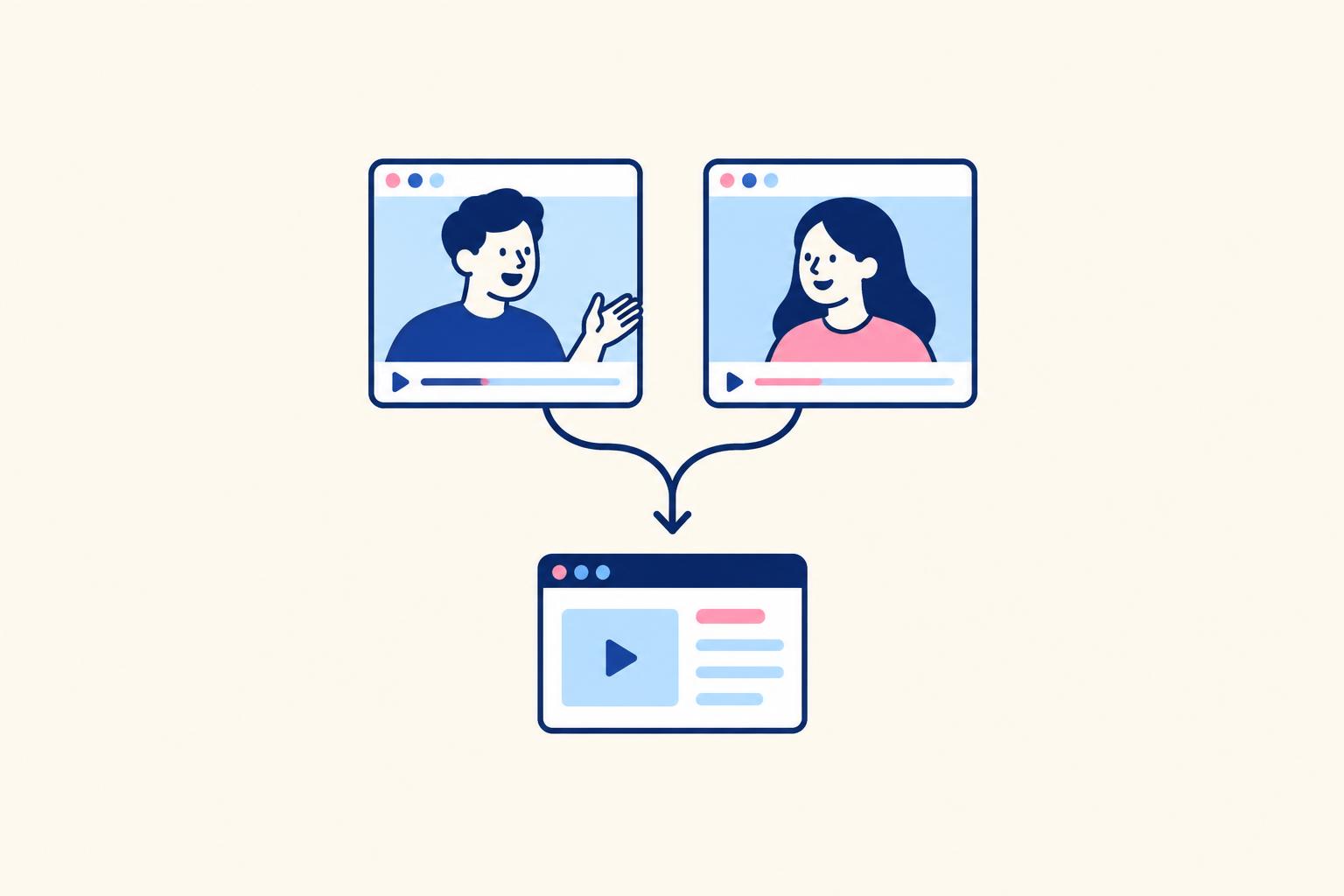
2. Split screen: keep the speaker beside the action
The creator says, ‘Here is the task I would normally lose after a call,’ while the adjacent product screen shows it being assigned. This is useful when viewers need both explanation and visual continuity. Give the interface enough space to remain legible rather than treating the creator's face as the only important part.
A small display of an entire desktop is not proof. Crop to the task, status and owner. Use the split-screen UGC playbook to choose the layout.
3. Podcast-style: answer a real buyer question
A desk mic and slightly off-camera conversation can frame an objection: ‘Do I need everyone to install another app?’ Give an accurate answer and show the actual guest-access or integration setting. You do not need a full podcast studio to make the conversation clear.
Do not invent an interview, host endorsement or podcast appearance to make an ad seem independent. Describe it honestly as a staged ad when necessary. See podcast-style UGC ads.
4. Silent creator hook: let the screen carry the payoff
A held reaction plus a short text line can introduce a visible workflow. Example: ‘When the follow-up is already assigned.’ Cut to the actual assignment result using sample records. Use this when the outcome is recognizable without a long explanation, not when essential qualifications will disappear.
Keep the reaction believable and the claim literal. Compare the narrower silent UGC format with the broader silent video ad design guide.
5. Founder at the desk: explain the design decision
The actual founder says, ‘We made assignment visible because we kept losing the handoff.’ Show the feature and one honest limitation. This works when the reason for a product choice helps a buyer evaluate it. It should sound like somebody who knows the product, not a memorized press release.
Only the actual founder should tell the story as their own. A hired spokesperson can explain the product without adopting that identity. For positioning and distribution, see founder-led marketing.
An Original 30-Second Lo-Fi SaaS Script
Illustrative product: a client-feedback portal. The creator demonstrates a feature they have tested, without pretending to be a long-term customer. The following timings are starting points, not platform rules. Replace feature and access claims with approved facts.
| Time | Spoken line | Shot |
|---|---|---|
| 0–4 seconds | ‘Client feedback in email, chat and the document?’ | Creator at desk; readable problem caption |
| 4–9 seconds | ‘Here is one way to keep the review together.’ | Cut to a sample deliverable in the portal |
| 9–17 seconds | ‘Open the file, leave the comment here, and assign the next change.’ | Show the actual comment and assignment action |
| 17–24 seconds | ‘Now the feedback stays attached to this version.’ | Show the resulting thread and version label |
| 24–30 seconds | ‘Check the client-review demo to see if it fits your workflow.’ | Creator returns; matching CTA and product name |
If the product does not attach feedback to a specific version, change that line. If client access requires a certain plan, make that clear. The conversational style does not excuse vague or false functionality. For a fuller script framework, use the UGC script template for SaaS ads.
Write in short spoken phrases. Read the draft aloud and replace any sentence that sounds like a sales deck. Do not script fake hesitation, staged surprise or manufactured ‘I just discovered this’ claims. An honest line such as ‘Here is how the workflow works’ can sound natural without pretending.
How to Film Lo-Fi UGC on a Phone
- 1
Prepare the room and demo
Remove identifying paperwork, private screens and notifications. Use sample product records and a permission-limited account.
- 2
Place the phone and light
Clean the lens, position the phone at eye level and face a window or soft light. Keep the background recognizable but not distracting.
- 3
Record a short technical check
Review focus, exposure and speech on the phone. Listen for fans, room echo and clothing noise before recording the whole script.
- 4
Record in thought-sized takes
One idea per take. Keep enough natural breath and eye contact for continuity; record alternate hooks without changing approved facts.
- 5
Capture the product separately
Record the same action named in the script. Crop for the destination, keep important labels readable and show the real result.
- 6
Review and hand off
Check spoken claims against the screen, confirm rights and disclosures, and name files so the editor knows which hook and proof belong together.
Use a supported vertical framing for vertical placements; TikTok's current video guidance recommends 9:16, at least 720p and safe-zone visibility. Higher-resolution capture can help with editing crops, but a specification is not a reason to hide a blurry interface. Follow the selected placement's export requirements.
You do not need to buy a new phone before testing. Stable framing, a readable demo and clean speech are better first improvements than an expensive camera. If the room is noisy, move closer to the microphone or choose a quieter space. A mic may help; it does not fix a badly chosen room automatically.
For software, capture the screen independently rather than filming a laptop display with glare and flicker. A brief over-the-shoulder shot can establish context, but switch to a clean recording for the evidence. Protect credentials, customer names, browser tabs and autocomplete suggestions.
How to Edit Without Turning Lo-Fi Into Messy
Remove dead starts and repeated explanations. Keep small human pauses where they support delivery. Jump cuts are useful, but constant zooms, sound effects and stickers can bury a software workflow. The product action should land at the exact moment the speaker refers to it.
Add reviewed captions and check the edit muted. Put headlines where they do not cover the cursor, CTA or result. Keep the interface crop consistent enough for viewers to understand the sequence. See Meta's caption guidance for supported caption options; automatic transcription still needs review.
Preserve the sequence of cause and effect. If you skip a setup step, include a readable qualification where material. If you speed up processing, say so. The viewer should not mistake an edited demonstration for a promised instantaneous result.
| Mistake | Why it hurts | Better choice |
|---|---|---|
| Deliberately bad audio | The explanation becomes tiring | Natural room feel with intelligible speech |
| Every line improvised | Claims drift and edits do not join | Approved facts with flexible phrasing |
| A decorative tiny screen recording | The viewer cannot evaluate the product | A crop showing one meaningful action |
| Fake personal transformation | It misrepresents the creator's experience | An honest tested feature demonstration |
| Too many visual interruptions | The viewer loses the workflow | Fewer effects and clear proof timing |
How to Brief Creators, Clear Claims and Agree Rights
A useful lo-fi brief specifies the buyer, the task, approved claims, required screen proof and boundaries. It does not dictate every hand gesture. Let the creator use their own delivery while preserving the facts and the offer. Give them a real product walkthrough before asking for natural speech about it.
Commissioned creator content is not automatically genuine customer UGC. Do not script first-person experiences the creator has not had. The FTC's Disclosures 101 guidance explains making material relationships clear. Apply the relevant local rules and platform labels; there is no universal disclaimer that guarantees compliance.
Specify where the video will run, for how long, whether edits and raw footage are included, and whether the brand can advertise through the creator's account. Creator-handle permission and footage licensing are different decisions. Use the UGC usage-rights guide and creator contract template to frame the agreement.
If you use synthetic actors, do not present them as real customers. Check realistic AI-content labels and impersonation restrictions. The TikTok AI-content guidance is a starting reference, not permission to create fake testimonials. The visual aesthetic alone does not decide whether content is AI-generated.
Budget production, versions, product-capture work, usage rights and creator-handle authorization separately. Lo-fi does not automatically make each of those free. Avoid quoting a universal rate; ask for a scope-matched quote and compare using the SaaS UGC pricing guide.
How to Test Lo-Fi UGC Against Polished Creative
Start with comparable messages: same buyer problem, offer, destination and product proof. Compare a conversational phone-shot delivery with a more produced delivery where possible. If one ad is a founder story and the other is an unrelated animation, the test cannot isolate production style.
Pick the observation window and success event before launch. Review viewing and click signals to diagnose the creative, then follow signups through activation or leads through qualification. An ad can have strong engagement and still create poor-fit demand. Automated distribution and unequal delivery can make small tests noisy.
| Observation | Possible explanation | Next investigation |
|---|---|---|
| Good attention, few clicks | Clear personality but weak offer | Check proof and the next step |
| Clicks, little activation | Wrong promise, wrong audience or onboarding friction | Read the ad and landing flow together |
| Low viewing, qualified demos | Narrow message reaching fewer but better buyers | Compare acquisition quality before rejecting it |
| One creator beats another | Delivery, credibility or audience identification differs | Do not attribute everything to camera quality |
Change the hook or proof order first, then expand the creator or format mix. Maintain a record of claim approvals and UI versions; software changes can make an old ad misleading even when the filming still looks natural. Refresh inaccurate demonstrations before refreshing the wardrobe.
Download the Lo-Fi UGC Filming Brief
Phone-first SaaS creator brief
LO-FI UGC FILMING BRIEF

Buyer and recognizable problem:
Product and one demonstrated action:
Creator relationship: founder / paid demonstrator / real customer
Approved claims and prohibited claims:
Actual experience the creator can truthfully describe:
Format: talking head / split screen / podcast style / silent / founder

Hook:
Context:
Product action:
Visible result:
Material limitations:
Offer and CTA:

Phone framing and target placement:
Room, light and audio check:
Sample-data account and privacy check:
Required screen captures:
Caption and mute-test review:
Music rights if used:
Relationship and AI disclosure checks:
Paid usage channels and term:
Creator-handle authorization if needed:
Raw footage and edit permissions:
Approval owner and UI review date:
Test variable, success event and observation window:
Lo-Fi UGC: Frequently Asked Questions
What does lofi UGC mean?
Creator-style content with a simple, everyday production feel, usually filmed on a phone with natural delivery. It should still have clear sound, readable proof and honest claims.
Does lo-fi mean low-resolution video?
No. The aesthetic is informal, not technically broken. Capture and export to the placement's current quality requirements; blurry proof and distorted speech make the ad harder to understand.
Is lo-fi UGC better than polished advertising?
It can be a better fit for some social-feed messages, but there is no universal winner. Compare similar offers and judge activated users or qualified opportunities, not style alone.
Can I film SaaS UGC with only a phone?
Yes, for creator footage. Use stable framing and good light, and capture the product screen separately where possible. Add audio equipment only if the speech check shows it is needed.
Can a founder make lo-fi UGC?
A founder can make informal product content while identifying themselves as the founder. They should not pretend to be an independent customer or give a hired creator their personal story as first-person experience.
Can lo-fi UGC be silent?
Yes. A wordless creator hook with text and honest product proof can use a lo-fi aesthetic. A slideshow can also look informal, although it is a different format: see TikTok slideshow ads.
Sources and Related Guides
- TikTok: Creative best practices for performance ads
- Meta: Add captions to your video ad
- FTC: Disclosures 101
- TikTok: AI-generated content
- SaaS UGC creator briefing
The goal is a believable person showing a useful product—not a polished commercial pretending to be a review, and not a messy video pretending that quality does not matter.
Share
Article footer · AI discovery
Want to explore this topic further?
Ask questions about this article or use it as a starting point for deeper research.
Want content that makes your SaaS product click?
Email promotions@fuelyourdigital.com or explore my content packages.